web期末作业网页设计——哆啦 A 梦(附完整源码)

目录

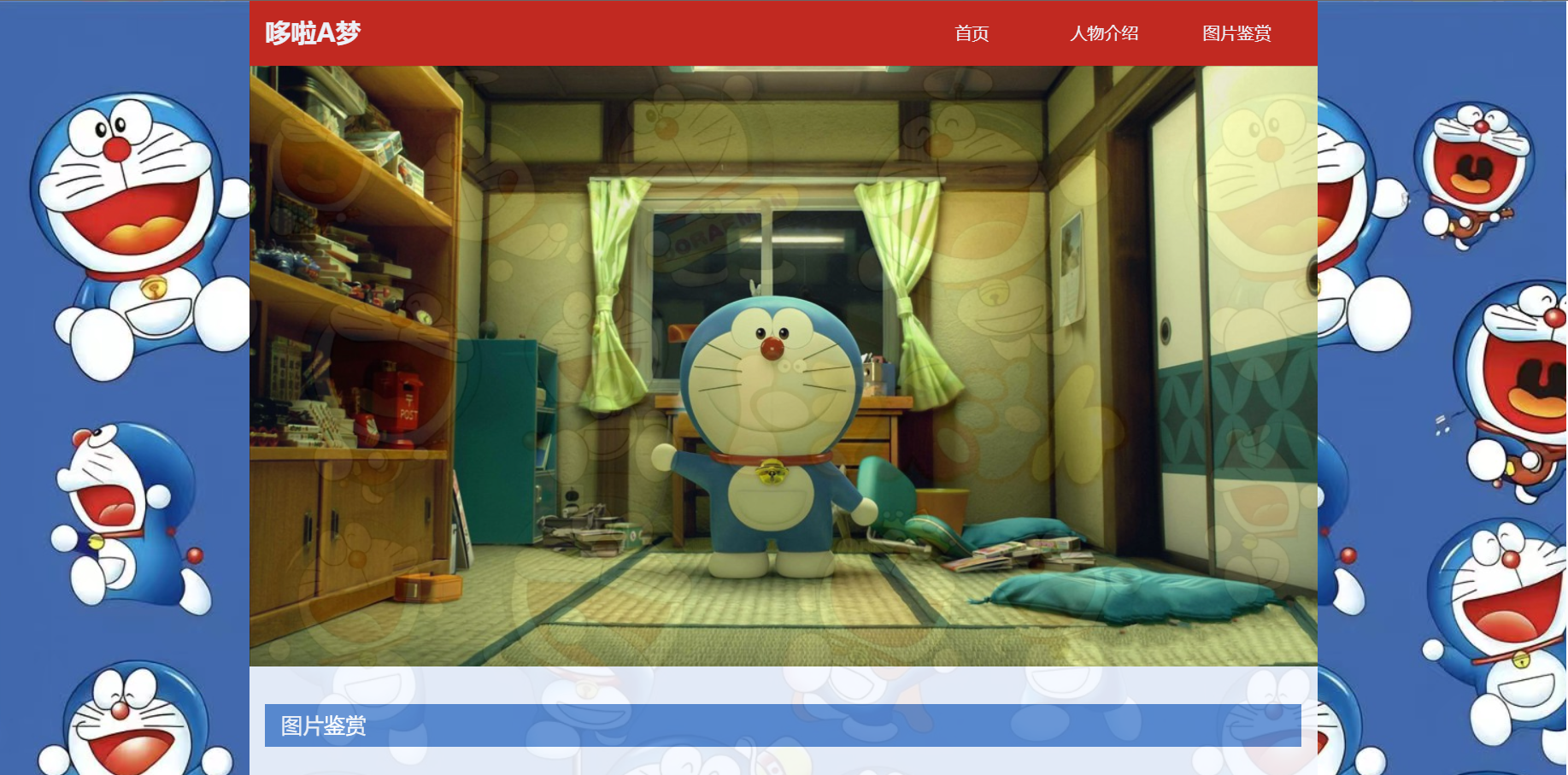
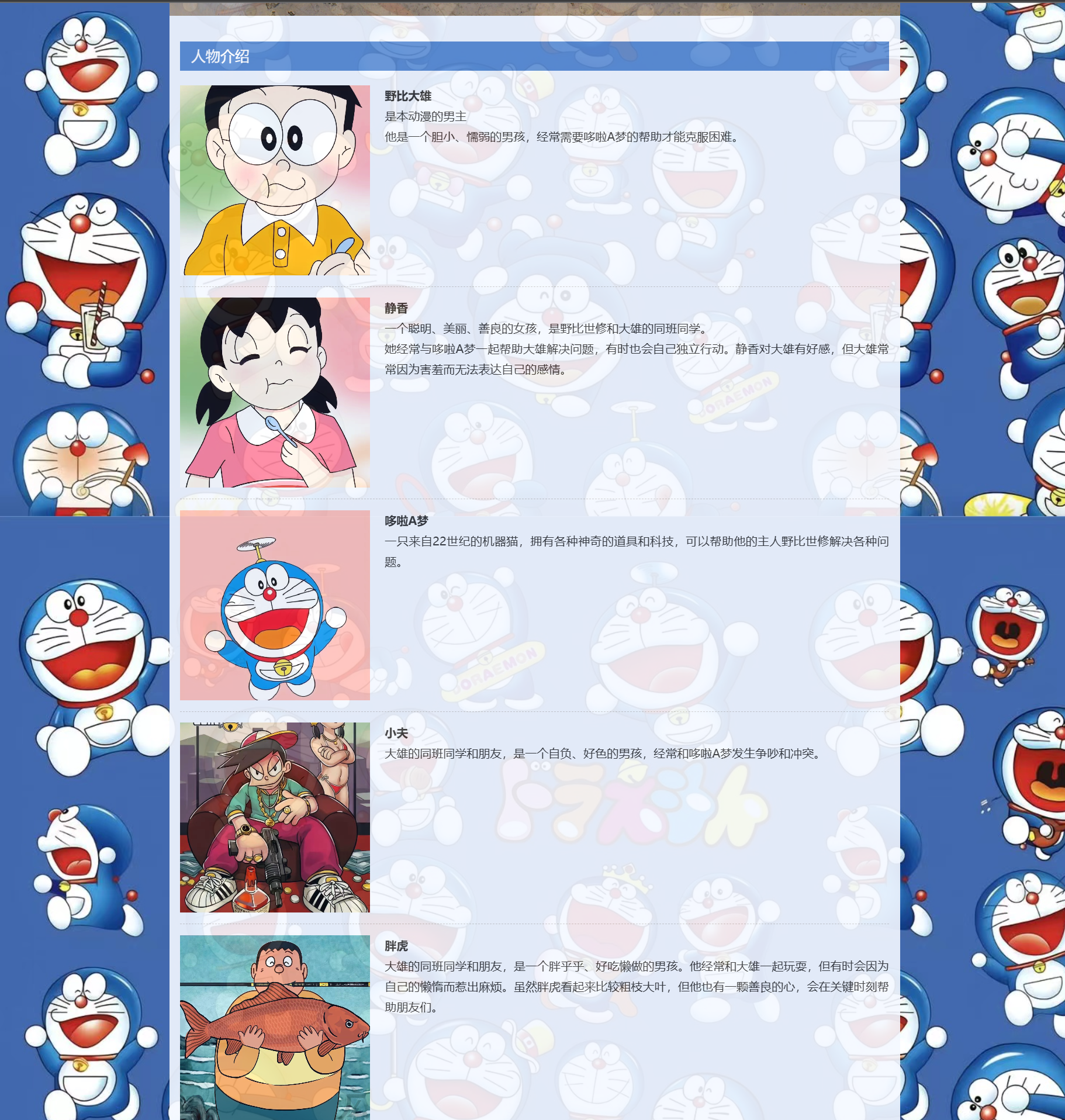
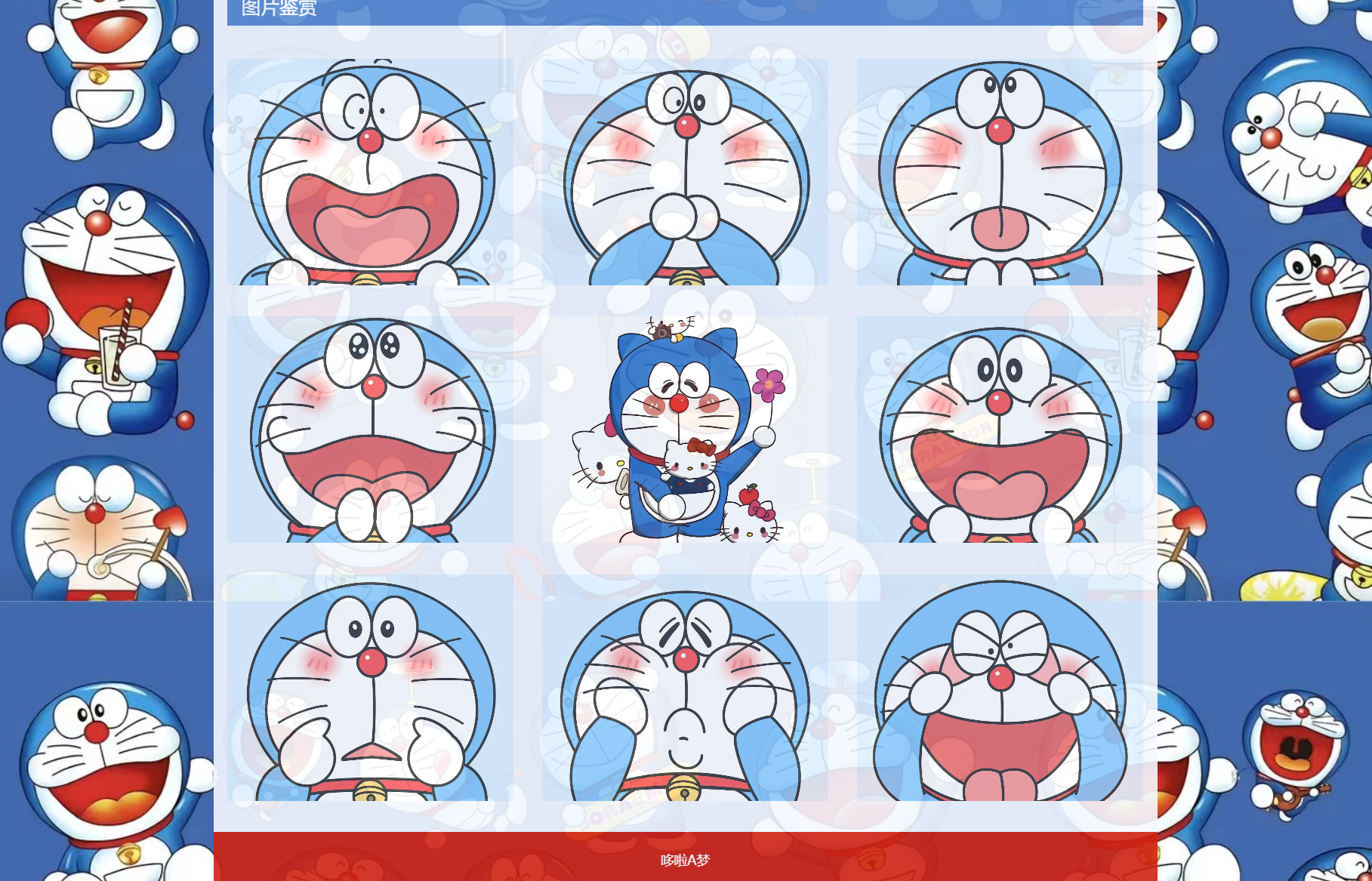
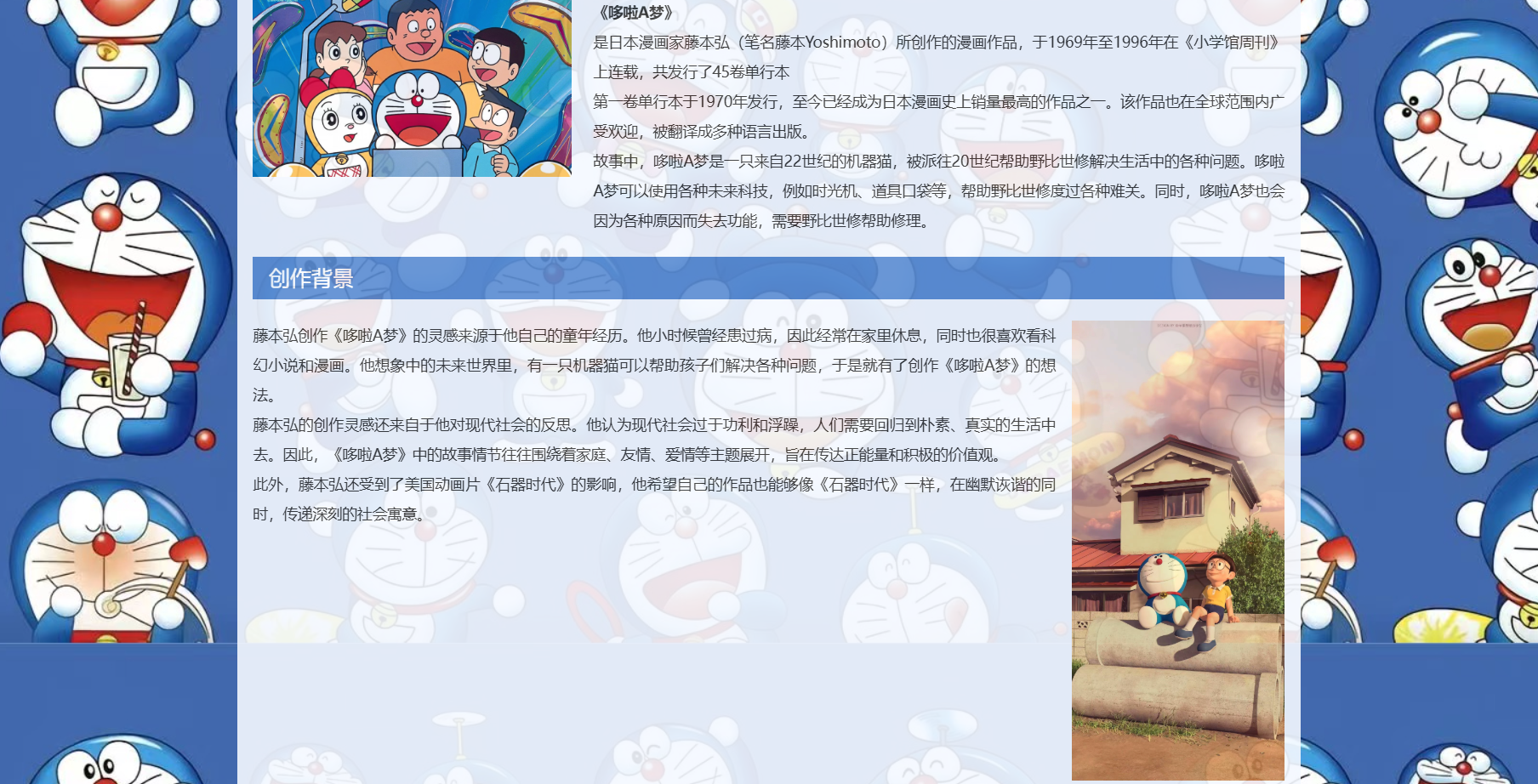
⭐效果展示:
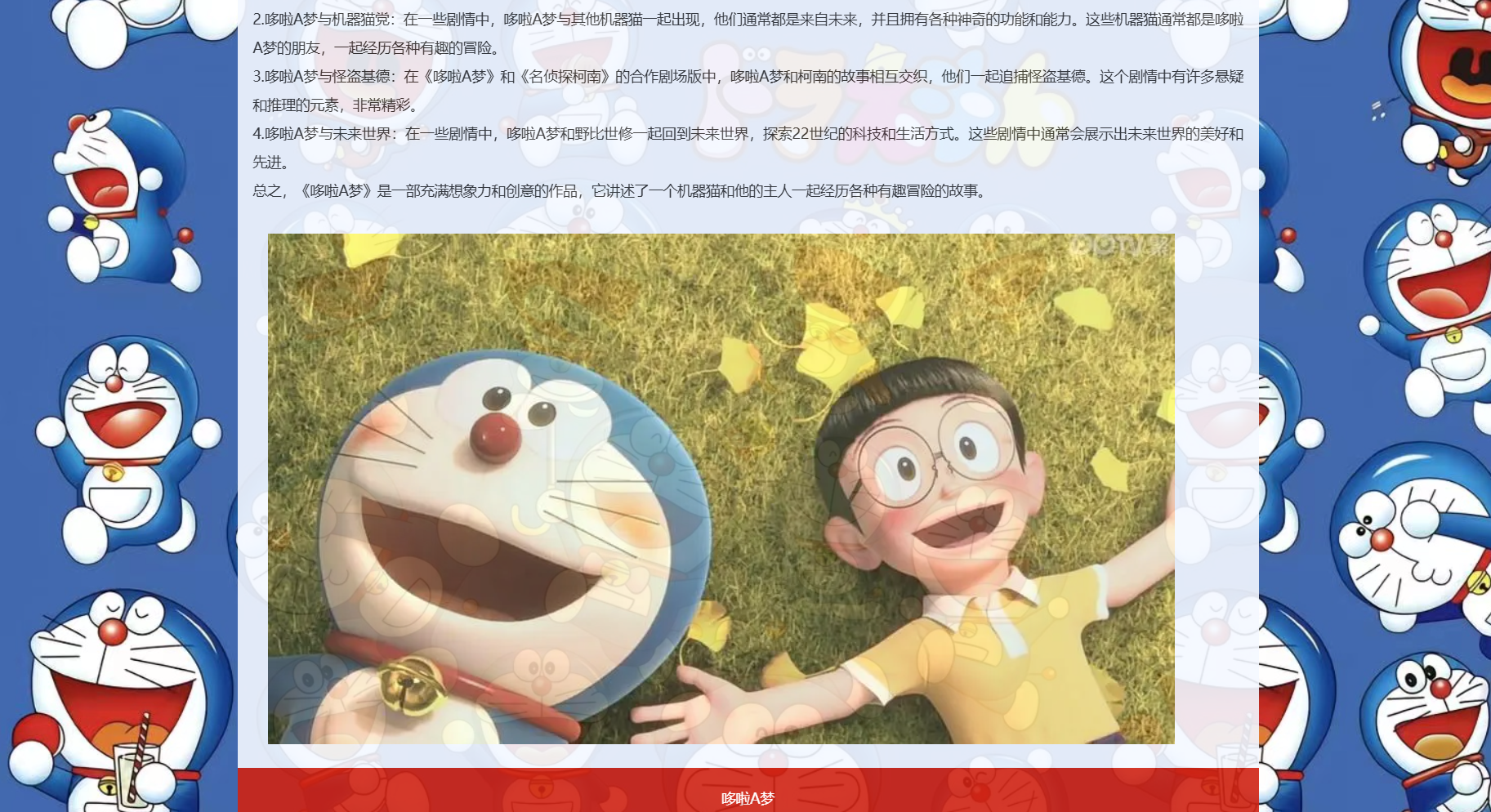
一、项目概述
本次实现的哆啦 A 梦商品销售页面包含以下核心功能:
- 响应式商品卡片展示区(展示 6 个哆啦 A 梦角色商品)
- 精美的悬停动画效果
- 商品评价展示区
- 统一的视觉设计风格
最终效果将达到 Awwwards 级别的 UI 表现,同时保证代码的可维护性和扩展性。
二、开发环境准备
无需复杂环境,只需:
- 任意代码编辑器(推荐 VS Code)
- 浏览器(用于实时预览)
- 哆啦 A 梦相关角色图片(可自行准备或使用占位图)
文件结构设计:
plaintext
哆啦A梦/
├── shop.html       # 主页面文件
└── img/            # 图片文件夹
    ├── xiaoduola.png
    ├── daxiong.png
    ├── jingxiang.png
    ├── panghu.png
    ├── xiaofu.png
    ├── duolamei.png
    └── logo.png
三、HTML 结构搭建
首先我们来构建页面的基础 HTML 结构,遵循语义化原则:
html
预览
<!DOCTYPE html>
<html>
<head>
    <title>商品销售界面</title>
    <!-- 后续将在这里添加CSS样式 -->
</head>
<body>
    <!-- 商品展示容器 -->
    <div class="container">
        <!-- 商品项将在这里添加 -->
    </div>

    <!-- 商品评价区 -->
    <div class="talkshop">
        <!-- 评价内容将在这里添加 -->
    </div>
</body>
</html>
这个基础结构包含了两个主要部分:商品展示容器和商品评价区,符合我们的功能需求。
四、CSS 样式设计(核心部分)
1. 基础样式重置
为了消除不同浏览器的默认样式差异,首先进行样式重置:
css
/* 重置所有元素的默认样式 */
* {
    box-sizing: border-box;
    margin: 0;
    padding: 0;
}
box-sizing: border-box确保元素的宽度和高度包含内边距和边框,让布局计算更直观。
2. 页面布局设置
设置 body 的基本布局,让内容居中显示:
css
/* 设置 body 元素的样式 */
body {
    display: flex; /* 使用 flex 布局 */
    justify-content: center; /* 水平居中 */
    align-items: center; /* 垂直居中 */
    min-height: 100vh; /* 确保页面占满整个视口高度 */
    background-color: #f5f5f5; /* 添加浅灰色背景 */
    padding: 20px;
    gap: 30px; /* 容器之间的间距 */
    flex-wrap: wrap; /* 允许在小屏幕上换行 */
}
这里添加了min-height: 100vh确保内容能垂直居中显示,同时添加了背景色增强页面层次感。
3. 商品容器样式
设计商品展示容器的样式:
css
/* 定义一个容器,设置其样式 */
.container {
    width: 600px; /* 宽度为 600 像素 */
    display: flex; /* 使用 flex 布局 */
    flex-wrap: wrap; /* 换行 */
    justify-content: center; /* 水平居中 */
    align-items: center; /* 垂直居中 */
    padding: 20px; /* 内边距为 20 像素 */
}
使用 flex 布局实现商品的自动排列和换行,确保在不同数量的商品下都能保持良好布局。
4. 商品卡片设计(重点)
商品卡片是页面的核心元素,我们需要设计精美的样式并添加交互效果:
css
/* 定义一个项目,设置其样式 */
.item {
    display: flex; /* 使用 flex 布局 */
    flex-direction: column; /* 竖直方向排列子元素 */
    align-items: center; /* 垂直居中 */
    margin: 10px; /* 外边距为 10 像素 */
    padding: 20px; /* 内边距为 20 像素 */
    background-color: #FFF; /* 背景颜色为白色 */
    border-radius: 20px; /* 圆角半径为 20 像素 */
    box-shadow: 0 5px 10px rgba(0, 0, 0, 0.1); /* 添加阴影效果 */
    position: relative; /* 相对定位 */
    overflow: hidden; /* 超出部分隐藏 */
    transition: all 0.3s ease-in-out; /* 添加过渡效果 */
    cursor: pointer; /* 鼠标指针为手型 */
    width: 150px; /* 固定宽度,确保一致性 */
}

/* 鼠标悬停时的样式 */
.item:hover {
    transform: scale(1.1); /* 放大 1.1 倍 */
    box-shadow: 0 10px 20px rgba(0, 0, 0, 0.2); /* 添加阴影效果 */
}
这里使用了圆角、阴影和过渡效果,让卡片具有立体感和交互性。transition属性确保动画平滑过渡。
5. 商品图片样式
为商品图片添加样式,使其更美观:
css
/* 定义图片样式 */
.item img {
    width: 100px; /* 宽度为 100 像素 */
    height: 100px; /* 高度为 100 像素 */
    margin-bottom: 10px; /* 底部外边距为 10 像素 */
    object-fit: cover; /* 图片自适应 */
    border-radius: 50%; /* 圆形 */
    transition: all 0.3s ease-in-out; /* 添加过渡效果 */
    border: 3px solid #f0f0f0; /* 图片边框 */
}

/* 鼠标悬停时的图片样式 */
.item:hover img {
    transform: rotate(360deg); /* 旋转 360 度 */
}
圆形图片设计配合悬停旋转效果,增加了页面的趣味性和交互性。
6. 商品文字信息样式
设置商品名称和价格的样式:
css
/* 定义标题样式 */
.item h3 {
    font-size: 18px; /* 字体大小为 18 像素 */
    font-weight: bold; /* 字体加粗 */
    margin-bottom: 10px; /* 底部外边距为 10 像素 */
    text-align: center; /* 居中对齐 */
    color: #333; /* 文字颜色 */
}

/* 定义文本样式 */
.item p {
    font-size: 14px; /* 字体大小为 14 像素 */
    margin-bottom: 10px; /* 底部外边距为 10 像素 */
    text-align: center; /* 居中对齐 */
    color: #666; /* 价格颜色稍浅 */
}
通过颜色区分标题和价格,建立视觉层次。
7. 购买按钮样式
设计吸引人的购买按钮:
css
/* 定义按钮样式 */
.item button {
    background-color: #b9e4f4; /* 背景颜色为浅蓝色 */
    color: #FFF; /* 字体颜色为白色 */
    border: none; /* 去掉边框 */
    border-radius: 20px; /* 圆角半径为 20 像素 */
    padding: 10px 20px; /* 上下内边距为 10 像素,左右内边距为 20 像素 */
    font-size: 14px; /* 字体大小为 14 像素 */
    font-weight: bold; /* 字体加粗 */
    cursor: pointer; /* 鼠标指针为手型 */
    transition: all 0.3s ease-in-out; /* 添加过渡效果 */
    width: 100%; /* 按钮宽度占满容器 */
}

/* 鼠标悬停时的按钮样式 */
.item button:hover {
    background-color: #aad8f4; /* 背景颜色为深蓝色 */
    transform: translateY(-2px); /* 轻微上浮效果 */
}
按钮添加了悬停变色和上浮效果,增强交互反馈。
8. 评价区样式设计
设计商品评价区的样式,保持整体风格一致:
css
/* 对话框样式 */
.talkshop {
    width: 400px; /* 宽度为 400 像素 */
    border: 2px solid #aad8f4; /* 边框为浅蓝色 */
    padding: 20px; /* 内边距为 20 像素 */
    border-radius: 20px; /* 圆角半径为 20 像素 */
    background-color: #fff; /* 白色背景 */
    box-shadow: 0 5px 15px rgba(0,0,0,0.05); /* 轻微阴影 */
}

/* 对话框标题样式 */
.talkshop h4 {
    color: #aad8f4; /* 字体颜色为浅蓝色 */
    margin-bottom: 15px; /* 底部间距 */
    font-size: 18px; /* 标题大小 */
    text-align: center; /* 居中对齐 */
}

/* 定义评论样式 */
.review {
    display: flex; /* 使用 flex 布局 */
    align-items: center; /* 垂直居中 */
    padding: 10px; /* 内边距为 10 像素 */
    border-top: 1px solid #e3e0e0; /* 上边框为灰色 */
    justify-content: center; /* 水平居中 */
}

/* 第一个评论去掉上边框 */
.review:first-child {
    border-top: none;
}

/* 定义头像样式 */
.avatar {
    margin-right: 10px; /* 右侧外边距为 10 像素 */
    width: 50px; /* 宽度为 50 像素 */
    height: 50px; /* 高度为 50 像素 */
    border-radius: 50%; /* 圆形 */
    overflow: hidden; /* 超出部分隐藏 */
    border: 2px solid #f0f0f0; /* 头像边框 */
}

/* 头像图片样式 */
.avatar img {
    width: 100%; /* 宽度为 100% */
    height: 100%; /* 高度为 100% */
    object-fit: cover; /* 图片自适应 */
}

/* 评论信息样式 */
.info {
    flex: 1; /* 占据剩余空间 */
}

/* 评论人名样式 */
.name {
    font-weight: bold; /* 字体加粗 */
    margin-bottom: 5px; /* 底部外边距为 5 像素 */
    color: #333; /* 名字颜色 */
}

/* 评论内容样式 */
.comment {
    font-size: 14px; /* 字体大小为 14 像素 */
    line-height: 1.5; /* 行高为 1.5 倍 */
    color: #666; /* 评论内容颜色 */
}
评价区保持了与商品卡片一致的设计语言,包括圆角、浅蓝色主题和适当的间距。
五、填充页面内容
1. 添加商品项
在 container 容器中添加 6 个哆啦 A 梦角色的商品项:
html
预览
<div class="item">
    <img src="img/xiaoduola.png" alt="哆啦A梦">
    <h3>哆啦A梦</h3>
    <p>10元/只</p>
    <button>购买</button>
</div>
<div class="item">
    <img src="img/daxiong.png" alt="大雄">
    <h3>野比大雄</h3>
    <p>10元/只</p>
    <button>购买</button>
</div>
<div class="item">
    <img src="img/jingxiang.png" alt="静香">
    <h3>静香</h3>
    <p>10元/只</p>
    <button>购买</button>
</div>
<div class="item">
    <img src="img/panghu.png" alt="胖虎">
    <h3>胖虎</h3>
    <p>10元/只</p>
    <button>购买</button>
</div>
<div class="item">
    <img src="img/xiaofu.png" alt="小夫">
    <h3>小夫</h3>
    <p>10元/只</p>
    <button>购买</button>
</div>
<div class="item">
    <img src="img/duolamei.png" alt="哆啦美">
    <h3>哆啦美</h3>
    <p>10元/只</p>
    <button>购买</button>
</div>
每个商品项包含图片、名称、价格和购买按钮,结构一致,便于维护。
2. 添加评价内容
在 talkshop 容器中添加用户评价:
html
预览
<h4>商品评价</h4>
<div class="review">
    <div class="avatar">
        <img src="img/logo.png" alt="Avatar">
    </div>
    <div class="info">
        <div class="name">111</div>
        <div class="comment">产品非常好会回购,做工精细,很可爱!</div>
    </div>
</div>
<div class="review">
    <div class="avatar">
        <img src="img/logo.png" alt="Avatar">
    </div>
    <div class="info">
        <div class="name">222</div>
        <div class="comment">孩子很喜欢,质量不错,推荐购买!</div>
    </div>
</div>
<div class="review">
    <div class="avatar">
        <img src="img/logo.png" alt="Avatar">
    </div>
    <div class="info">
        <div class="name">333</div>
        <div class="comment">物流很快,包装完好,和图片一致,满意!</div>
    </div>
</div>
这里修改了评论内容,使其更真实多样,增强页面可信度。
六、完整代码整合
将以上所有代码整合起来,形成完整的 HTML 文件:
html
预览
<!DOCTYPE html>
<html>
<head>
    <title>商品销售界面</title>
    <style>
        /* 重置所有元素的默认样式 */
        * {
            box-sizing: border-box;
            margin: 0;
            padding: 0;
        }

        /* 设置 body 元素的样式 */
        body {
            display: flex; /* 使用 flex 布局 */
            justify-content: center; /* 水平居中 */
            align-items: center; /* 垂直居中 */
            min-height: 100vh; /* 确保页面占满整个视口高度 */
            background-color: #f5f5f5; /* 添加浅灰色背景 */
            padding: 20px;
            gap: 30px; /* 容器之间的间距 */
            flex-wrap: wrap; /* 允许在小屏幕上换行 */
        }

        /* 定义一个容器,设置其样式 */
        .container {
            width: 600px; /* 宽度为 600 像素 */
            display: flex; /* 使用 flex 布局 */
            flex-wrap: wrap; /* 换行 */
            justify-content: center; /* 水平居中 */
            align-items: center; /* 垂直居中 */
            padding: 20px; /* 内边距为 20 像素 */
        }

        /* 定义一个项目,设置其样式 */
        .item {
            display: flex; /* 使用 flex 布局 */
            flex-direction: column; /* 竖直方向排列子元素 */
            align-items: center; /* 垂直居中 */
            margin: 10px; /* 外边距为 10 像素 */
            padding: 20px; /* 内边距为 20 像素 */
            background-color: #FFF; /* 背景颜色为白色 */
            border-radius: 20px; /* 圆角半径为 20 像素 */
            box-shadow: 0 5px 10px rgba(0, 0, 0, 0.1); /* 添加阴影效果 */
            position: relative; /* 相对定位 */
            overflow: hidden; /* 超出部分隐藏 */
            transition: all 0.3s ease-in-out; /* 添加过渡效果 */
            cursor: pointer; /* 鼠标指针为手型 */
            width: 150px; /* 固定宽度,确保一致性 */
        }

        /* 鼠标悬停时的样式 */
        .item:hover {
            transform: scale(1.1); /* 放大 1.1 倍 */
            box-shadow: 0 10px 20px rgba(0, 0, 0, 0.2); /* 添加阴影效果 */
        }

        /* 定义图片样式 */
        .item img {
            width: 100px; /* 宽度为 100 像素 */
            height: 100px; /* 高度为 100 像素 */
            margin-bottom: 10px; /* 底部外边距为 10 像素 */
            object-fit: cover; /* 图片自适应 */
            border-radius: 50%; /* 圆形 */
            transition: all 0.3s ease-in-out; /* 添加过渡效果 */
            border: 3px solid #f0f0f0; /* 图片边框 */
        }

        /* 鼠标悬停时的图片样式 */
        .item:hover img {
            transform: rotate(360deg); /* 旋转 360 度 */
        }

        /* 定义标题样式 */
        .item h3 {
            font-size: 18px; /* 字体大小为 18 像素 */
            font-weight: bold; /* 字体加粗 */
            margin-bottom: 10px; /* 底部外边距为 10 像素 */
            text-align: center; /* 居中对齐 */
            color: #333; /* 文字颜色 */
        }

        /* 定义文本样式 */
        .item p {
            font-size: 14px; /* 字体大小为 14 像素 */
            margin-bottom: 10px; /* 底部外边距为 10 像素 */
            text-align: center; /* 居中对齐 */
            color: #666; /* 价格颜色稍浅 */
        }

        /* 定义按钮样式 */
        .item button {
            background-color: #b9e4f4; /* 背景颜色为浅蓝色 */
            color: #FFF; /* 字体颜色为白色 */
            border: none; /* 去掉边框 */
            border-radius: 20px; /* 圆角半径为 20 像素 */
            padding: 10px 20px; /* 上下内边距为 10 像素,左右内边距为 20 像素 */
            font-size: 14px; /* 字体大小为 14 像素 */
            font-weight: bold; /* 字体加粗 */
            cursor: pointer; /* 鼠标指针为手型 */
            transition: all 0.3s ease-in-out; /* 添加过渡效果 */
            width: 100%; /* 按钮宽度占满容器 */
        }

        /* 鼠标悬停时的按钮样式 */
        .item button:hover {
            background-color: #aad8f4; /* 背景颜色为深蓝色 */
            transform: translateY(-2px); /* 轻微上浮效果 */
        }

        /* 定义评论样式 */
        .review {
            display: flex; /* 使用 flex 布局 */
            align-items: center; /* 垂直居中 */
            padding: 10px; /* 内边距为 10 像素 */
            border-top: 1px solid #e3e0e0; /* 上边框为灰色 */
            justify-content: center; /* 水平居中 */
        }

        /* 第一个评论去掉上边框 */
        .review:first-child {
            border-top: none;
        }

        /* 定义头像样式 */
        .avatar {
            margin-right: 10px; /* 右侧外边距为 10 像素 */
            width: 50px; /* 宽度为 50 像素 */
            height: 50px; /* 高度为 50 像素 */
            border-radius: 50%; /* 圆形 */
            overflow: hidden; /* 超出部分隐藏 */
            border: 2px solid #f0f0f0; /* 头像边框 */
        }

        /* 头像图片样式 */
        .avatar img {
            width: 100%; /* 宽度为 100% */
            height: 100%; /* 高度为 100% */
            object-fit: cover; /* 图片自适应 */
        }

        /* 评论信息样式 */
        .info {
            flex: 1; /* 占据剩余空间 */
        }

        /* 评论人名样式 */
        .name {
            font-weight: bold; /* 字体加粗 */
            margin-bottom: 5px; /* 底部外边距为 5 像素 */
            color: #333; /* 名字颜色 */
        }

        /* 评论内容样式 */
        .comment {
            font-size: 14px; /* 字体大小为 14 像素 */
            line-height: 1.5; /* 行高为 1.5 倍 */
            color: #666; /* 评论内容颜色 */
        }

        /* 对话框样式 */
        .talkshop {
            width: 400px; /* 宽度为 400 像素 */
            border: 2px solid #aad8f4; /* 边框为浅蓝色 */
            padding: 20px; /* 内边距为 20 像素 */
            border-radius: 20px; /* 圆角半径为 20 像素 */
            background-color: #fff; /* 白色背景 */
            box-shadow: 0 5px 15px rgba(0,0,0,0.05); /* 轻微阴影 */
        }

        /* 对话框标题样式 */
        .talkshop h4 {
            color: #aad8f4; /* 字体颜色为浅蓝色 */
            margin-bottom: 15px; /* 底部间距 */
            font-size: 18px; /* 标题大小 */
            text-align: center; /* 居中对齐 */
        }

    </style>
</head>
<body>
    <div class="container">
        <div class="item">
            <img src="img/xiaoduola.png" alt="哆啦A梦">
            <h3>哆啦A梦</h3>
            <p>10元/只</p>
            <button>购买</button>
        </div>
        <div class="item">
            <img src="img/daxiong.png" alt="大雄">
            <h3>野比大雄</h3>
            <p>10元/只</p>
            <button>购买</button>
        </div>
        <div class="item">
            <img src="img/jingxiang.png" alt="静香">
            <h3>静香</h3>
            <p>10元/只</p>
            <button>购买</button>
        </div>
        <div class="item">
            <img src="img/panghu.png" alt="胖虎">
            <h3>胖虎</h3>
            <p>10元/只</p>
            <button>购买</button>
        </div>
        <div class="item">
            <img src="img/xiaofu.png" alt="小夫">
            <h3>小夫</h3>
            <p>10元/只</p>
            <button>购买</button>
        </div>
        <div class="item">
            <img src="img/duolamei.png" alt="哆啦美">
            <h3>哆啦美</h3>
            <p>10元/只</p>
            <button>购买</button>
        </div>
    </div>
    <div class="talkshop">
        <h4>商品评价</h4>
        <div class="review">
            <div class="avatar">
                <img src="img/logo.png" alt="Avatar">
            </div>
            <div class="info">
                <div class="name">111</div>
                <div class="comment">产品非常好会回购,做工精细,很可爱!</div>
            </div>
        </div>
        <div class="review">
            <div class="avatar">
                <img src="img/logo.png" alt="Avatar">
            </div>
            <div class="info">
                <div class="name">222</div>
                <div class="comment">孩子很喜欢,质量不错,推荐购买!</div>
            </div>
        </div>
        <div class="review">
            <div class="avatar">
                <img src="img/logo.png" alt="Avatar">
            </div>
            <div class="info">
                <div class="name">333</div>
                <div class="comment">物流很快,包装完好,和图片一致,满意!</div>
            </div>
        </div>
    </div>

</body>
</html>
七、功能拓展建议
完成基础版本后,你还可以考虑以下拓展方向:
- 添加 JavaScript 交互:实现购买按钮点击效果、加入购物车功能
- 响应式优化:针对移动设备调整布局,确保在手机上有良好体验
- 动态加载:使用 AJAX 动态加载更多商品和评价
- 加入购物车动画:点击购买按钮时添加商品飞入购物车的动画
- 星级评分:在评价区添加星级评分展示
- 筛选功能:添加按价格、热度等筛选商品的功能
⭐项目源码:
通过网盘分享的文件:哆啦A梦
链接: https://pan.baidu.com/s/1-NmZYFgfJa4rF7qqjZbuNA?pwd=92kb 提取码: 92kb


助力广东及东莞地区开发者,代码托管、在线学习与竞赛、技术交流与分享、资源共享、职业发展,成为松山湖开发者首选的工作与学习平台
更多推荐


 32
32 0
0- 0



 已为社区贡献1条内容

所有评论(0)