Ubuntu下部署.NetCore WebApi的方法
·
Ubuntu部署.NetCore WebApi的方法示例
1.安装.net core SDK
apt-cache search dotnet
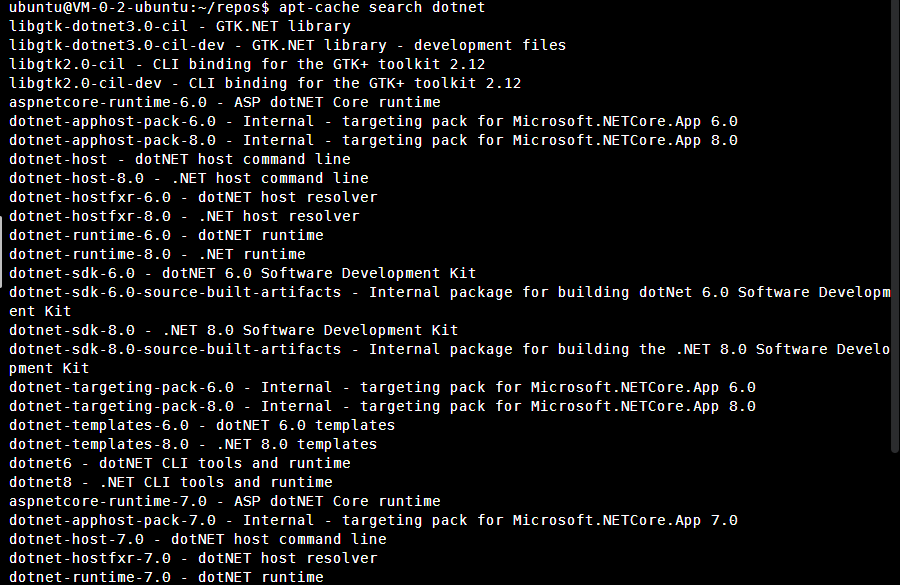
选择一个确定的SDK版本安装即可,已8.0版本为例
apt-get install dotnet-sdk-8.0
查看安装的.Net信息
dotnet --info
如何安装了多个版本,使用dotnet --info查询安装sdk列表
dotnet --version
显示当前使用的dotnet版本,如果要切换版本可参考:
linux安装.net8.0(极简版)+ .net多版本选择切换方法_51CTO博客_linux 安装.net core

2.创建WebApi项目,然后运行发布
可以直接从现有的Git仓库直接拉取,这里直接创建一个为例:
dotnet new webapi -o TestProject
cd TestProject

直接运行(先不要发布),查看是否可以在外部访问(服务器放开该端口连接)
dotnet run TestProject
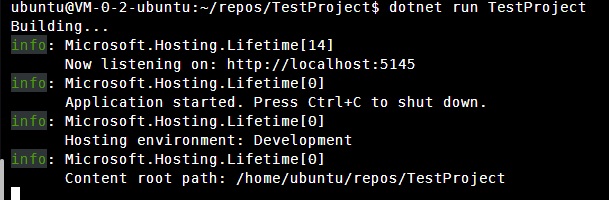

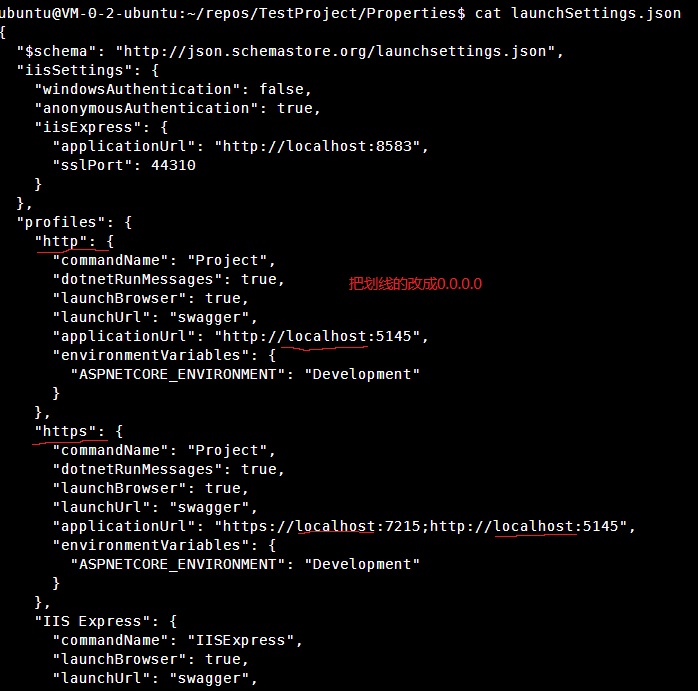
如果无法访问,请先修改launchsettings.json(Properties里)里的启动项
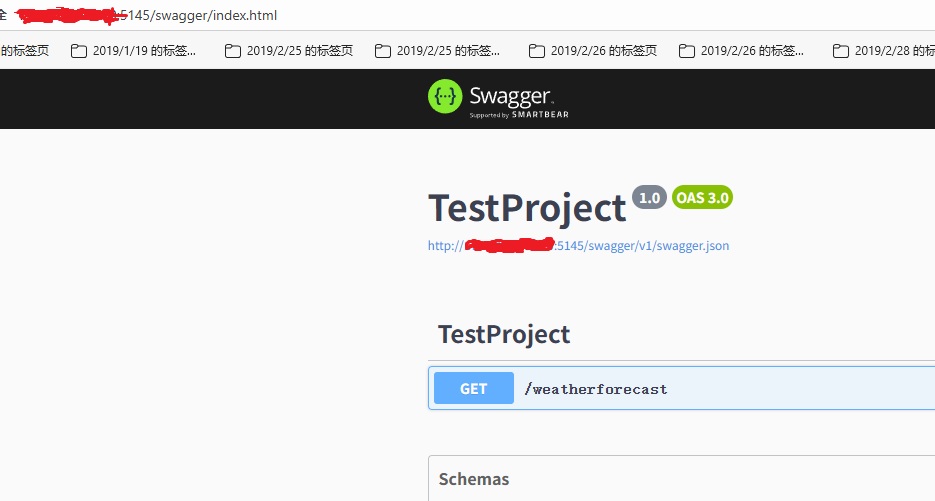
查看是否正常访问:
发布到目录下文件夹publish(自己创建可自定义发布路径)
sudo dotnet publish TestProject.csproj -o publish

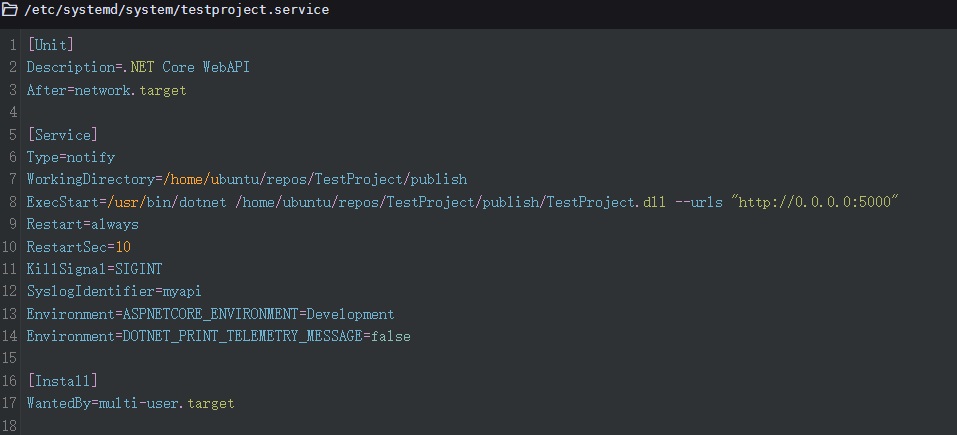
3.配置Systemd服务
sudo vim /etc/systemd/system/testproject.service
[Unit]
Description=.NET Core WebAPI
After=network.target

[Service]
Type=notify
WorkingDirectory=/home/ubuntu/repos/TestProject/publish
ExecStart=/usr/bin/dotnet /home/ubuntu/repos/TestProject/publish/TestProject.dll --urls "http://0.0.0.0:5000"
Restart=always
RestartSec=10
KillSignal=SIGINT
SyslogIdentifier=myapi
Environment=ASPNETCORE_ENVIRONMENT=Development
Environment=DOTNET_PRINT_TELEMETRY_MESSAGE=false

[Install]
WantedBy=multi-user.target
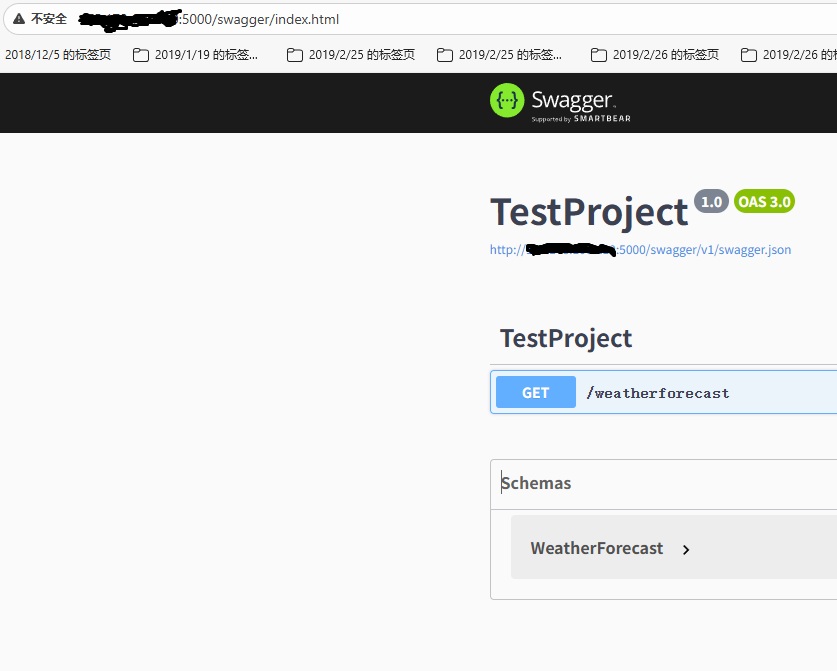
启动服务再使用外部访问:
sudo systemctl enable testproject.service
sudo systemctl start testproject.service

# 检查状态
sudo systemctl status testproject.service
可选:配置NGINX
修改/etc/nginx/sites-available里的default为,重启NGINX
server {
    listen 80;
    server_name xxx.xxx.xxx.xxx;

    # 主代理配置
    location / {
        proxy_pass http://localhost:5000;
        proxy_set_header Host $host;
        proxy_set_header X-Real-IP $remote_addr;
        proxy_set_header X-Forwarded-For $proxy_add_x_forwarded_for;
        proxy_set_header X-Forwarded-Proto $scheme;
    }

    # 专门处理Swagger静态资源
    location ~ ^/swagger/(.*\.(js|css|png|jpg|json|html))$ {
        proxy_pass http://localhost:5000/swagger/$1;
        expires 1y;
        add_header Cache-Control "public, immutable";
    }
}
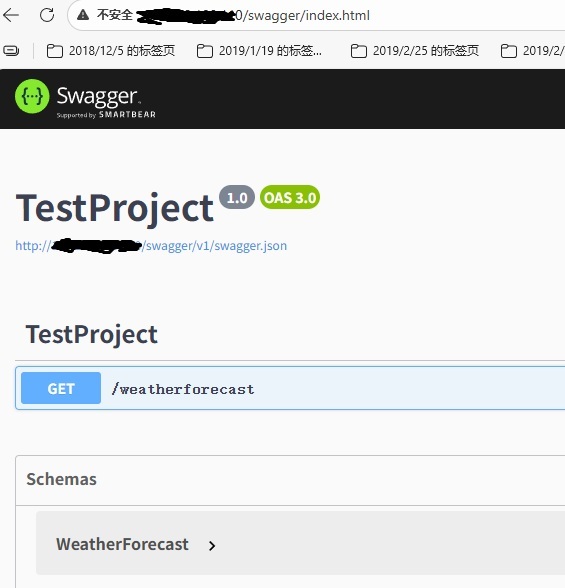
查看效果:

助力广东及东莞地区开发者,代码托管、在线学习与竞赛、技术交流与分享、资源共享、职业发展,成为松山湖开发者首选的工作与学习平台
更多推荐



 5
5 0
0- 0


 已为社区贡献1条内容

所有评论(0)